Gather what's scattered.
Podcasts, media links, open archives, and files already on your Mac, collected into one folder in the format you want.
Six sources. One folder.
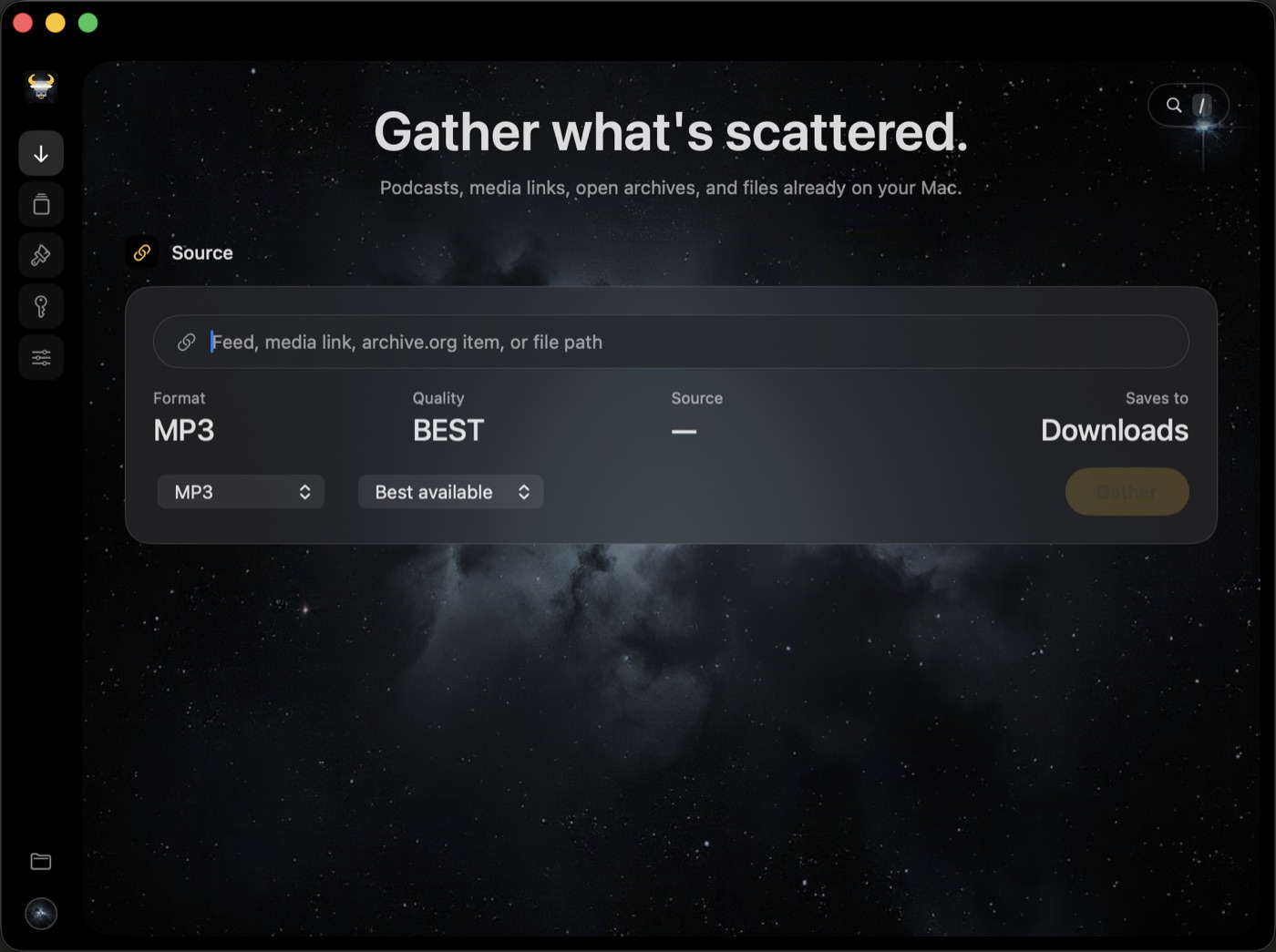
Paste a link or drop a file. Kimah recognises where it came from and finds the audio inside.
Podcast feeds
Paste a show's RSS link and choose the episodes you want.
Direct media links
Any link that points straight at an audio or video file.
Internet Archive
Recordings, talks and broadcasts from archive.org items.
Wikimedia Commons
Openly licensed audio from Wikipedia and Commons pages.
Files on your Mac
Audio or video you already have, converted where it sits.
Whole folders
Point at a folder of recordings and convert all of it at once.
Made for the Mac. Nothing else.
A native app with a built-in encoder. No browser extension, no account, nothing to set up first.
Built to stay on the right side of the line.
You stay in charge of what you keep
Kimah saves only what you ask for, straight to your Downloads folder. Download only what you have the right to: content offered for download, openly licensed, or your own.
Your licence never phones home
It is checked on your Mac against a signature. No account and no server, and it keeps working whatever happens to the store.
No tracking, no telemetry
Kimah only goes online to fetch what you ask for and to check for updates. Crash reports are saved on your Mac and never sent.

Get Kimah
for your Mac.
Kimah 1.0 is free to download. Open the file, drag Kimah onto Applications, and you're ready.
No account, no tracking, and crash reports stay on your Mac.
Kimah isn't notarised by Apple yet, so macOS stops it the first time it opens. On macOS 15 or later, open System Settings, then Privacy & Security, and click Open Anyway. On macOS 13 or 14, Control-click Kimah in Applications and choose Open.
| Free | Licensed · $3.99 | |
|---|---|---|
| All six sources | Yes | Yes |
| Items per job | 1 | Up to 100 |
| MP3, M4A and MP4 video | Yes | Yes |
| WAV and FLAC, lossless | — | Yes |
“Canst thou bind the sweet influences of Pleiades?” Job 38:31
Kimah (כִּימָה) is the Hebrew name for the Pleiades: seven stars gathered into one cluster. The app does the same with audio.